
Office and administration
For office programs, browsers, video conferences and cloud applications, we recommend an OptiPlex with an Intel Core processor and at least 8 GB of RAM.
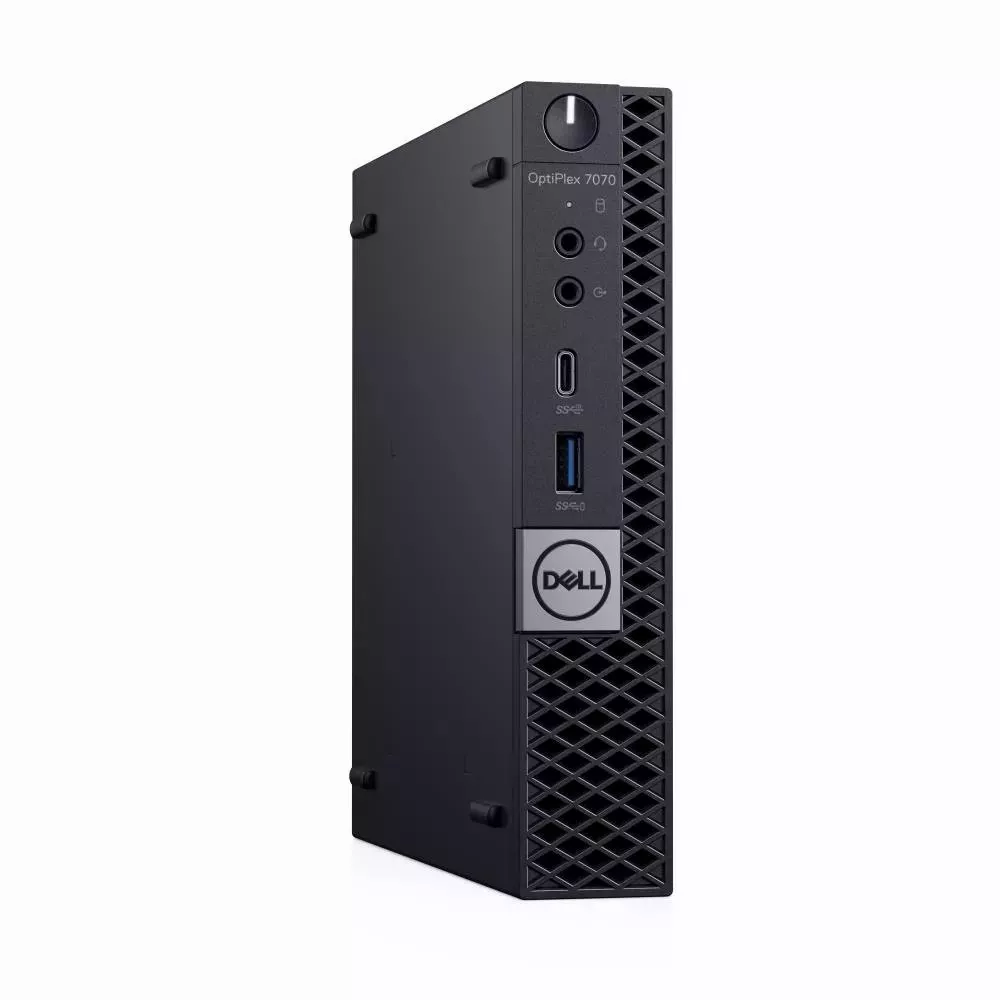
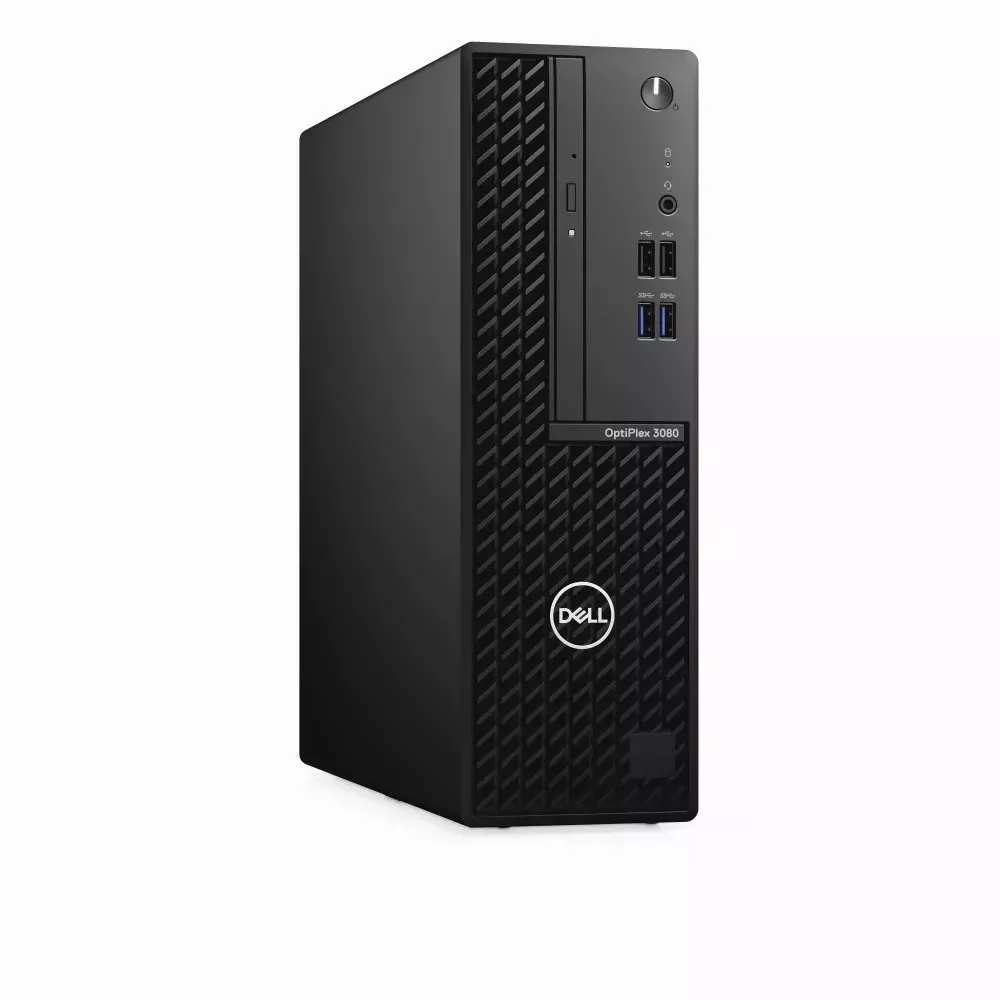
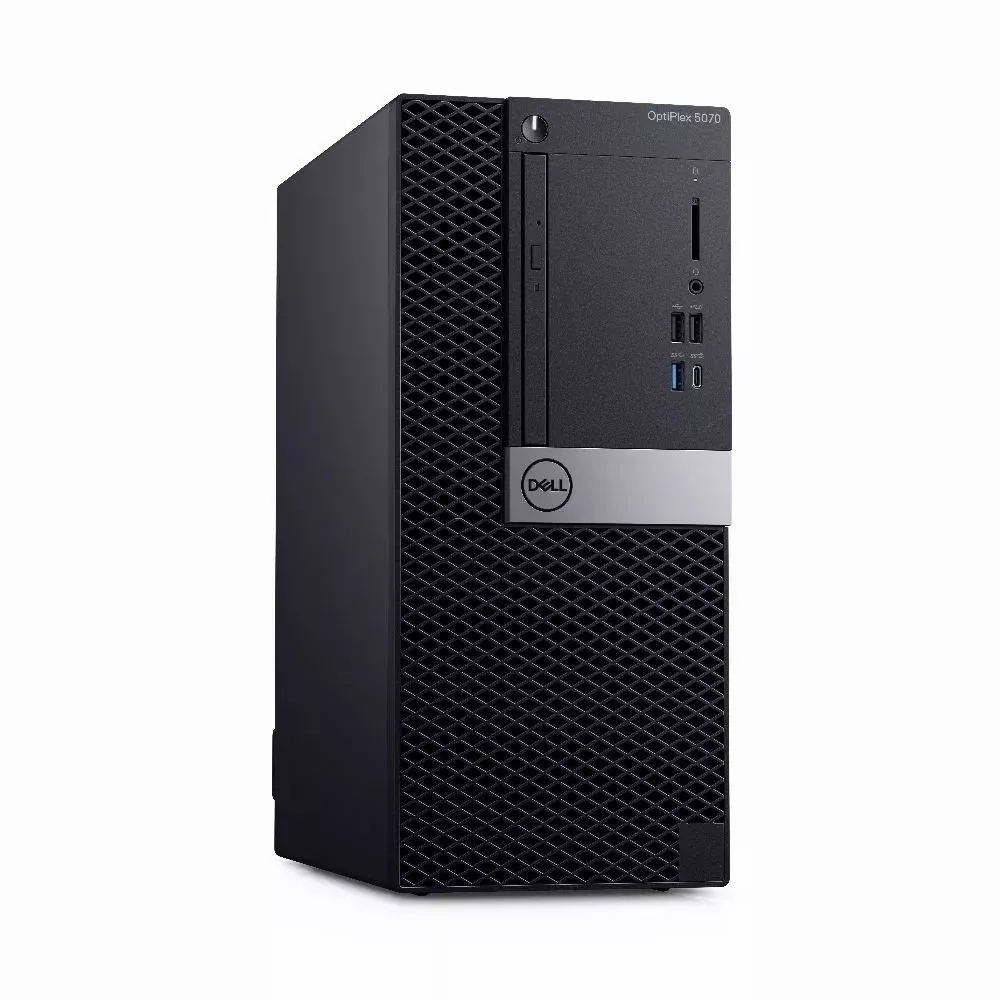
Checked Dell OptiPlex business PCs from lease returns and from system integrators: as Micro (mini PC), Small Form Factor or Tower, with Windows installed and a 12-month warranty, extendable up to 36 months for an additional charge depending on the product. Free delivery in Germany.
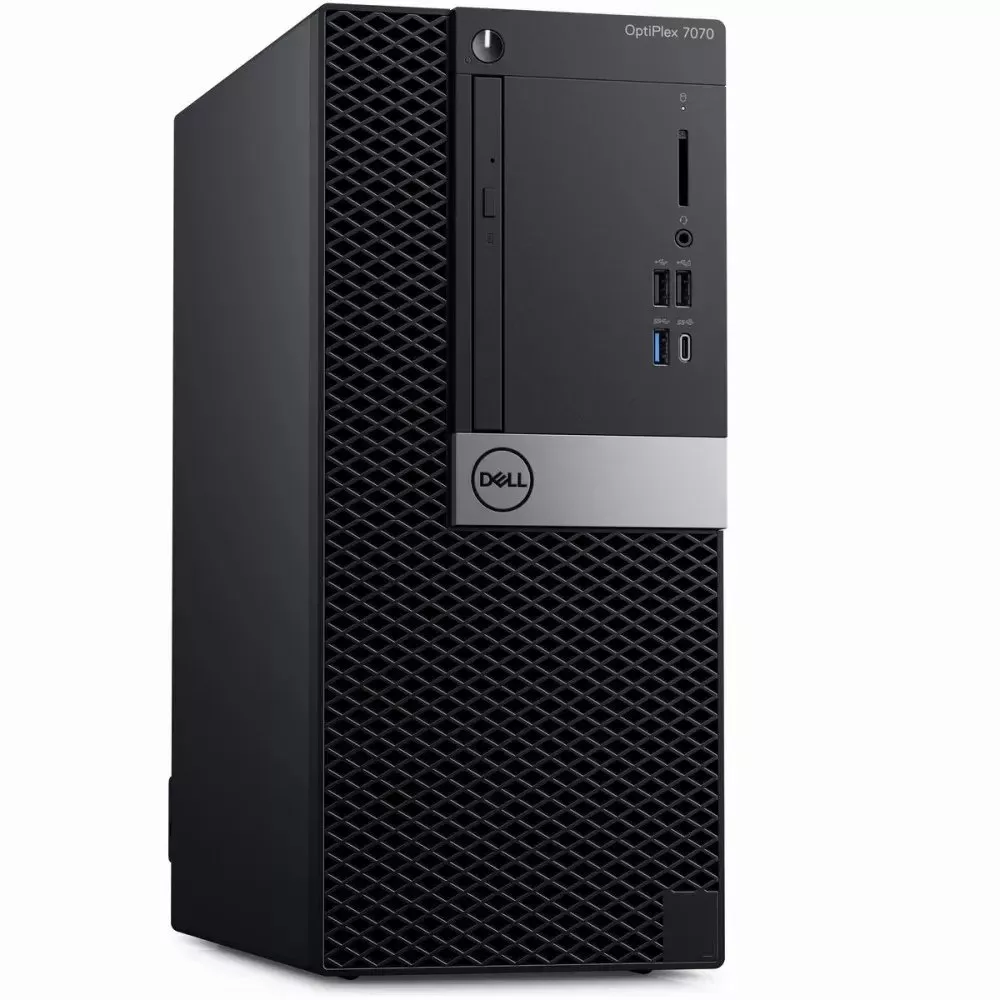
Computer
2200014201-V
incl. VAT incl. shipping
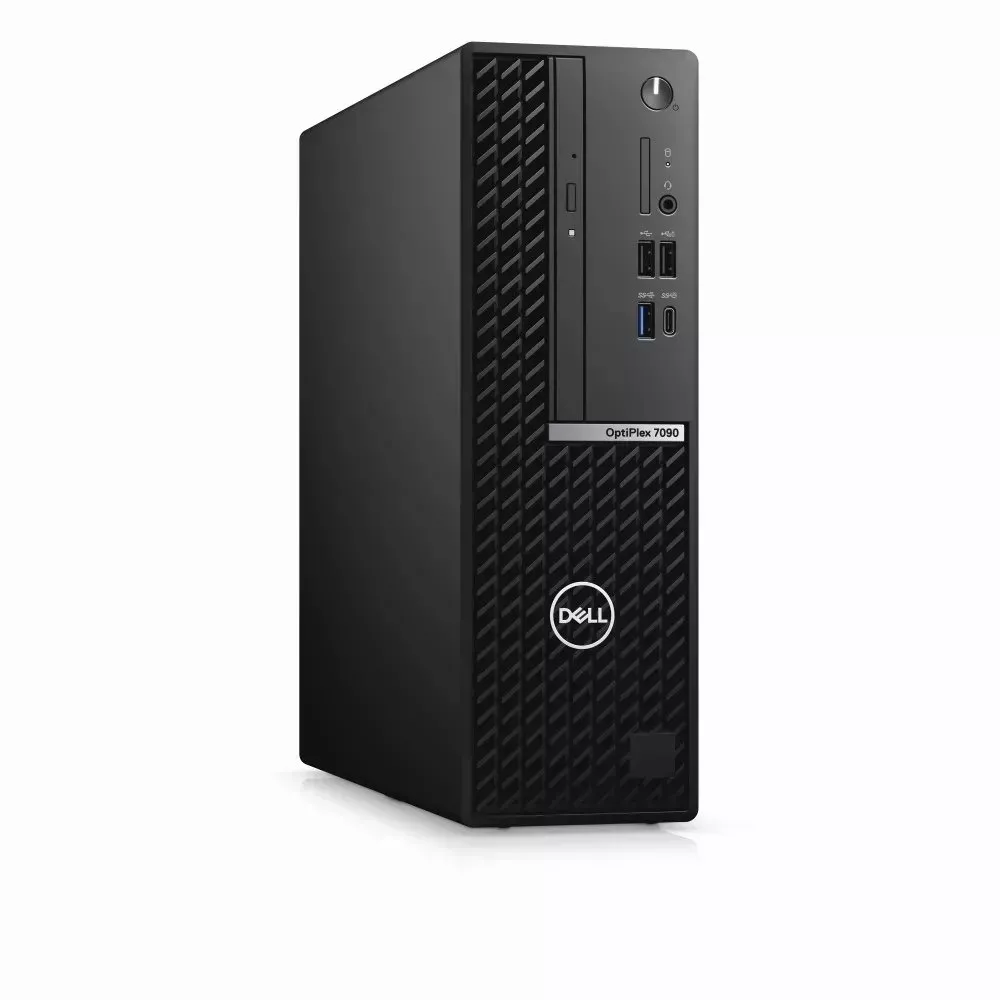
Computer
2200014401-V
incl. VAT incl. shipping
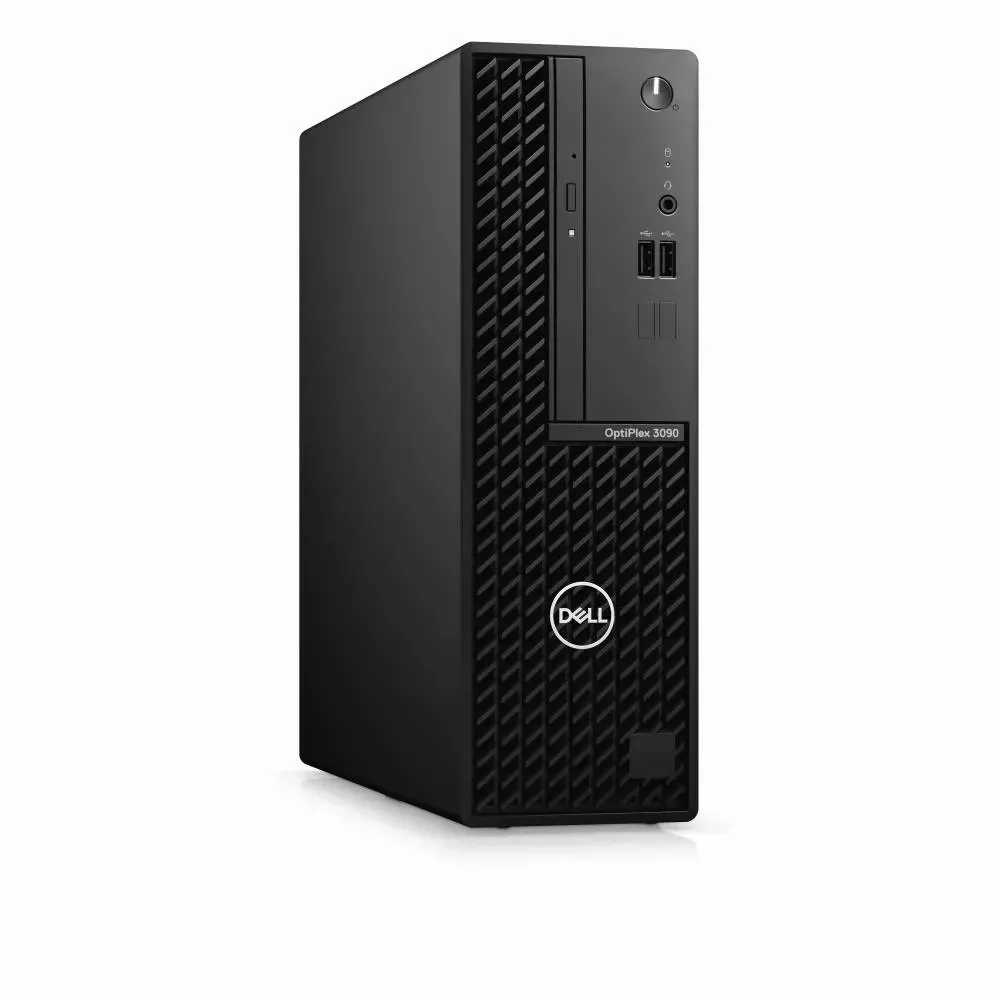
Computer
2200007501-V
incl. VAT incl. shipping
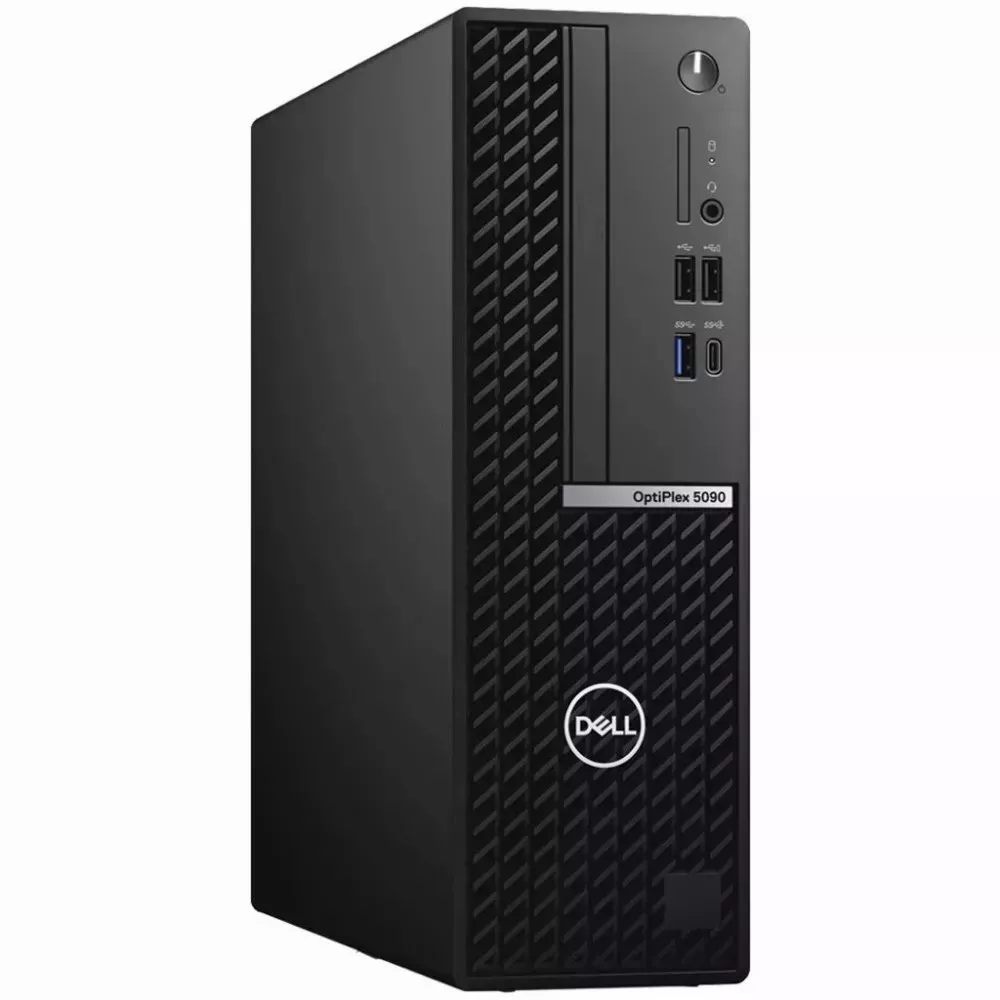
Computer
2200013901-V
incl. VAT incl. shipping
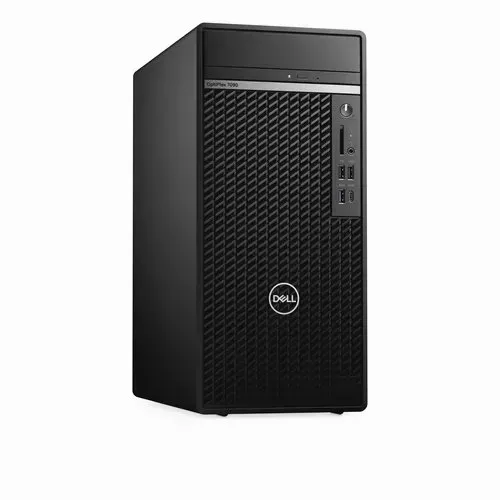
Computer
2200014501-V
incl. VAT incl. shipping
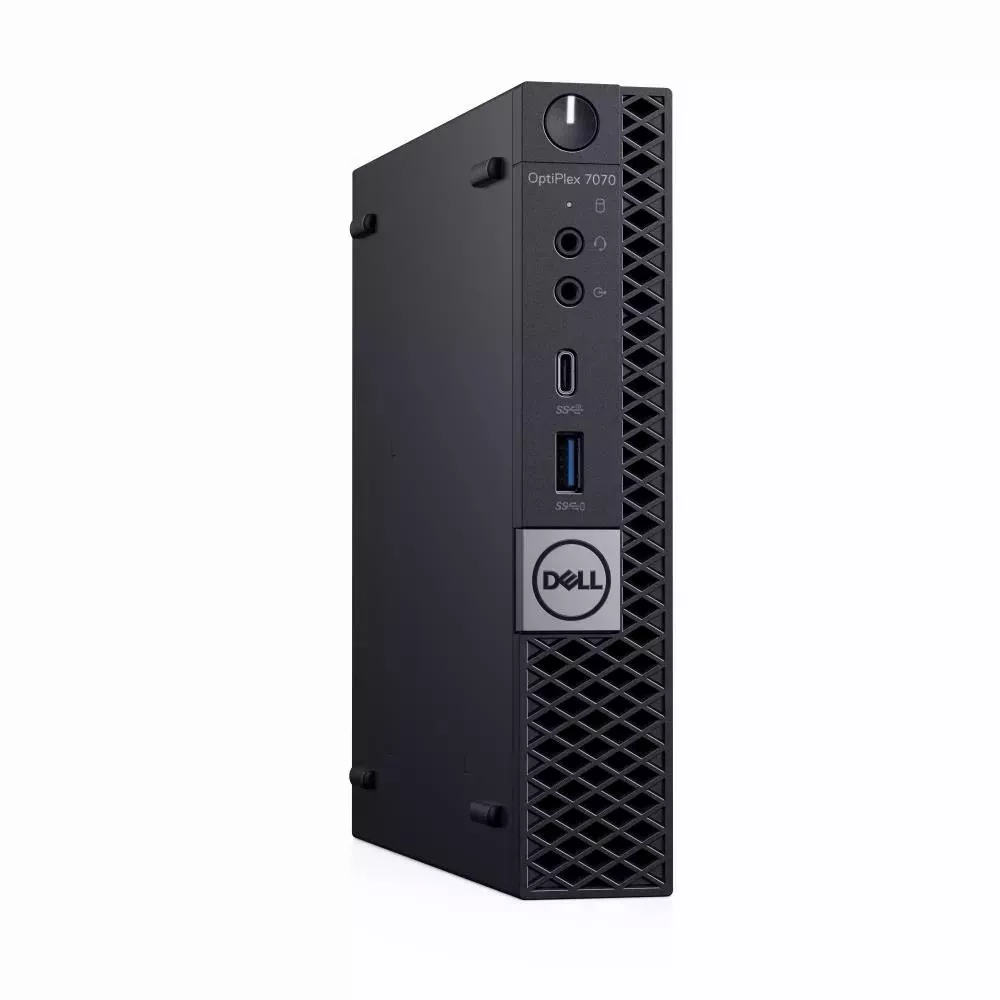
Computer
2200004701-V
incl. VAT incl. shipping
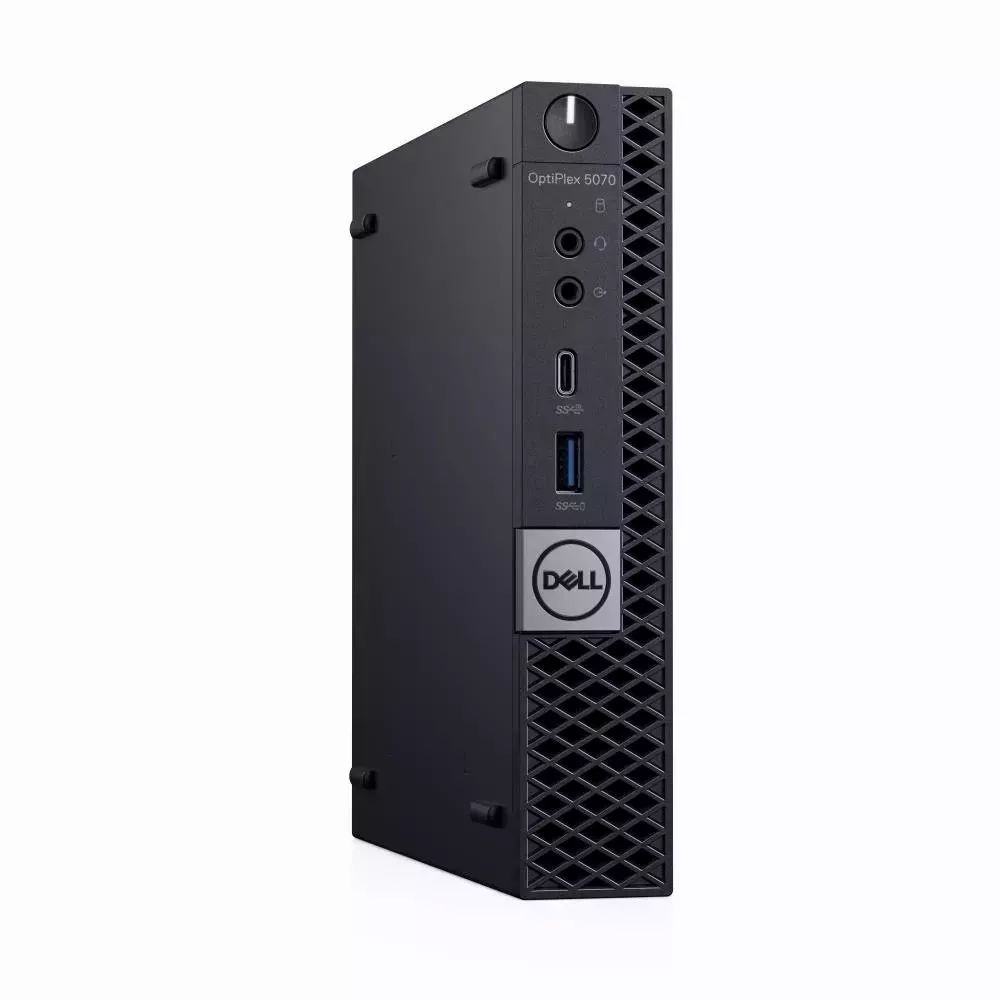
Computer
2200007301-V
incl. VAT incl. shipping
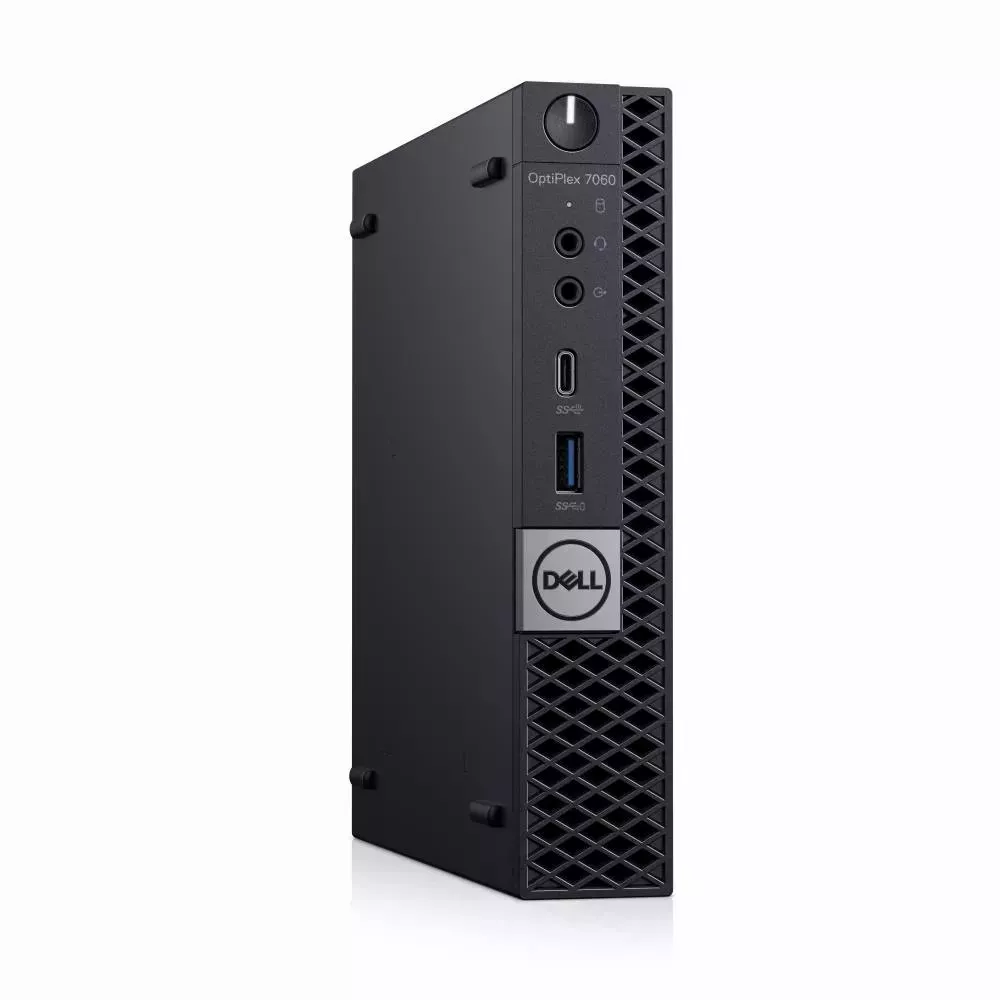
Computer
2200004601-V
incl. VAT incl. shipping
Computer
2200004702-V
incl. VAT incl. shipping
Computer
2200015602-V
incl. VAT incl. shipping
Computer
2200007303-V
incl. VAT incl. shipping
At neXchance you will find used and refurbished Dell OptiPlex desktop PCs for fixed workstations in offices, practices, schools and administration. OptiPlex is Dell's business series for desktops; our devices come from lease returns and from system integrators. We check them, clean them and deliver them with Windows installed and activated, a 12-month warranty and free delivery within Germany.
Dell builds the OptiPlex series in three tiers: the 3000 models are the entry level, the 5000 the business mid-range and the 7000 the high-end specification. The form factor is at the end of the name: Micro (mini PC), SFF or Tower.
For office programs, browsers, video conferences and cloud applications, we recommend an OptiPlex with an Intel Core processor and at least 8 GB of RAM.
If you want to equip several workstations uniformly, choose one model and one configuration. This simplifies setup and maintenance; for larger quantities, we are happy to agree volume discounts individually.
For standard software such as word processing, spreadsheets and browsers, a mid-range model is sufficient. Practice, clinic and pharmacy programs state their own minimum requirements: compare them with the device's product data before buying.
If you want to add drives or cards later, the tower has the largest case. If you want to save space on your desk, choose SFF or Micro.
These six points determine whether an OptiPlex suits you. The exact values are listed with every item.
The first digit indicates the series: 3000 is the entry level, 5000 the business mid-range, 7000 the high-end specification. On many models, the further digits (for example 070, 080, 090) give an indication of the model generation; however, this numbering does not apply to all series. The form factor follows. A higher model is not automatically the better one for your use case; what matters is the processor, RAM and form factor.
Micro is the smallest form factor and fits into very little space. Small Form Factor (SFF) is a flat desktop case, the classic office PC. Tower (TWR or MT) is the largest case with the most space inside.
Performance depends not only on the generation but also on the specific processor model as well as RAM and SSD. For basic office work, Core i5 models of older generations are also sufficient. The generation is in the model number: with an i5-9500 it is the 9th generation.
Windows 11 is officially approved for Intel Core from the 8th generation onwards (for AMD, depending on the model, according to Microsoft's processor list), plus TPM 2.0 and Secure Boot. Windows 10 also runs on devices with an older processor; Microsoft ended regular support for Windows 10 on 14 October 2025, and regular security updates have not been available since then. Which operating system and which processor a device has is stated in the item name and in the product data.
There are configurations with different amounts of RAM and SSD. For office and practice use, we recommend at least 8 GB; for many programs at the same time, 16 GB is more comfortable. For upgradeability, see the FAQ.
Many models have two DisplayPort outputs; depending on the model, HDMI or VGA outputs are available in addition. Check in the product data whether the outputs match your monitor; otherwise an adapter is usually enough.
A 12-month retailer warranty is included with every device; depending on the product, you can extend it to 24 or 36 months for an additional charge, directly on the product page or in the shopping cart. It covers hardware defects and malfunctions that occur during the warranty period. Your statutory warranty rights against us remain unaffected.
Warranty in detailYour order is ready to ship within 24 hours and is delivered free of charge within Germany in 1–3 business days. You will receive the tracking information by email. If a device arrives damaged, please contact us: we will arrange a replacement or repair.
Shipping and deliveryAs a consumer, you have a 14-day right of withdrawal from receipt of the goods, without giving any reason.
Right of withdrawalFor businesses and offices, medical practices, clinics and pharmacies, logistics companies, schools and public authorities, we offer volume discounts, payment by invoice (on request, for business customers) and a personal key account manager.
Yes, a used Dell OptiPlex is worthwhile for the office, practice, school and administration. For the OptiPlex series up to 2022: 3000 is the entry level, 5000 the business mid-range, 7000 the high-end specification. Our devices come from lease returns and from system integrators, are checked by our technicians and are delivered with Windows installed and a 12-month retailer warranty. Most OptiPlex desktops in our shop use integrated graphics and are intended for the office, practice, school and administration; whether a device has a dedicated graphics card is stated in the product data.
The 3000 series is the more affordable entry level, the 5000 series the balanced business mid-range and the 7000 series the high-end specification. For the office and practice, the 5000 series is usually the balanced choice. A higher series is not automatically better for your use case: what matters is the processor, RAM and form factor of the individual device, which are stated in the product data for every item. Since 2023, new models are called, for example, “OptiPlex Tower 7010” or “OptiPlex Micro Plus 7010”; in that case the form factor comes before the number. An OptiPlex 7010 from 2012 and an OptiPlex Tower 7010 from 2023 are different devices: the processor model in the item name is decisive.
For the home office, a Micro is suitable if space is tight, and a Small Form Factor or Tower if you want more room inside the case. For office programs, browsers, video conferences and cloud applications, a model with an Intel Core i5 processor, at least 8 GB of RAM and an SSD is sufficient; the values are stated for every item. Monitor, keyboard and mouse are extra, and for the network you use a network cable or a USB Wi-Fi adapter.
Yes, if space at the workstation is tight: the Micro is the smallest OptiPlex form factor, can be placed behind the monitor, for example, and is suitable for the office, reception and the classroom. It uses smaller laptop memory modules (SO-DIMM). If you want to add drives or expansion cards later, you will find more room inside the case in the SFF or Tower.
The Service Tag is a short code that Dell assigns to every device. It is usually on a sticker on the case. With the Service Tag you can find drivers, the manual and the configuration of your device on Dell's support page.
Windows 11 is officially approved for devices with an Intel processor from the 8th generation onwards (for AMD, depending on the model, according to Microsoft's processor list), plus TPM 2.0, UEFI with Secure Boot, at least 4 GB of RAM and 64 GB of storage. For the OptiPlex, these are usually models with 8th-generation processors or newer. For Windows 10, Microsoft ended regular support on 14 October 2025; regular security updates have not been available since then. Which operating system is installed on an item is stated in the item name and in the description; to check whether a specific device is compatible, use Microsoft's “PC Health Check” app.
With desktop PCs this is usually easier than with laptops, but it depends on the model. Tower and SFF models use standard memory modules (DIMM), the Micro uses smaller laptop modules (SO-DIMM). The maximum upgrade capacity depends on the model and its generation, and the memory type also differs by generation. How many slots and drive bays a model has is stated in the manufacturer's data sheet; check this before buying if you want to upgrade later.
Business desktops are usually connected in the office via network cable. Whether a Wi-Fi or Bluetooth module is built in is stated in the item's product data. If none is mentioned there, assume there is none and use the network cable or a USB Wi-Fi adapter.
Many models have two DisplayPort outputs, to which two monitors can usually be connected; depending on the model, HDMI or VGA outputs are available in addition. How many and which outputs a device has is stated in the item's product data. If your monitor's connector does not fit, an adapter will help, for example from DisplayPort to HDMI.
Both are business desktops for use in companies and are available in similar form factors. The brand matters less than the processor, RAM, SSD, form factor and condition of the individual device, which are stated in the product data for every item. Compare the configurations with your intended use.
At our shop, “refurbished” means: the computer comes from lease returns or from system integrators and is checked by our technicians (case, mechanics and electronics, ports), cleaned and delivered with Windows installed and activated. The difference from a simply used device: it has been checked by us, not just resold.
The condition is stated for every item as a grade. Premium: first-class refurbishment, almost as new, no or minimal signs of use. Refurbished: professionally refurbished and technically flawless, light to moderate signs of use possible. B-Ware: fully functional, cleaned and tested, but with visible signs of use, such as more noticeable scratches or pressure marks. C-Ware: technically flawless, but with heavy signs of use such as scratches, dents or discoloration. All grades are technically checked; they differ in appearance. The grade of each device is stated on the item page.
Devices with Windows are delivered with the operating system installed and activated. The license is assigned to the device, so manual entry is usually not necessary. Which Windows version is installed is stated in the item name.
Yes. Before a device goes on sale, all data from previous owners is completely erased. Devices with Windows then receive an installed and activated operating system, so you start with a fresh system.
With a desktop PC, the monitor, keyboard and mouse are usually not part of the computer itself. The package contains everything listed in the item description at the time of ordering. Check there which accessories are included, and after receipt check that all parts are present and undamaged. Software such as Microsoft Office is only included if the item description expressly states so.
A 12-month retailer warranty is included with every device; depending on the product, you can extend it to 24 or 36 months for an additional charge. It covers hardware defects and malfunctions that occur during the warranty period; damage caused by improper handling is not covered. Your statutory warranty rights against us remain unaffected. Regardless of this, consumers are entitled to the statutory 14-day right of withdrawal.